| Main page Graphics Photography Music & Audio Audio Plugins Video Tools Web Design Documents Space Astro Amiga Funny Surreal Links & Contact |
Internet Image DegradationDo things grow old in cyberspace? The answer is "yes"...When pictures are constantly copied from website to website, and recompressed and rescaled every time, an interesting loss of quality occurs gradually over time. This page tries to simulate and display this gradual devolution. The first picture is the original. 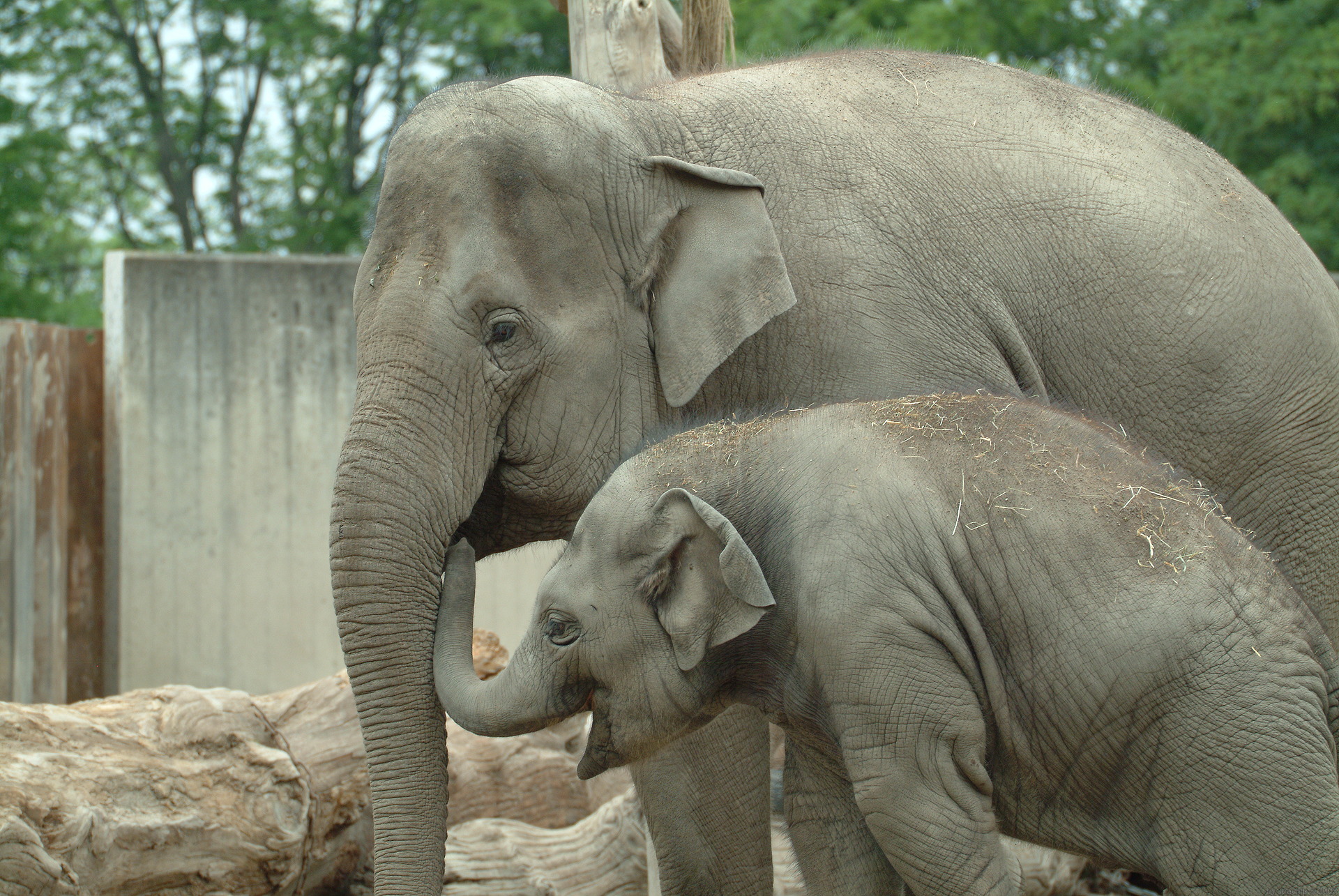 First someone added a bit of contrast, resized the image to 465 pixels and compressed the image at 69% jpeg quality.
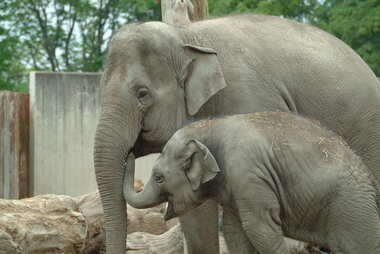 Then they resized the image to 459 pixels and compressed the image at 45% jpeg quality.
 After that, they added a bit of contrast, resized the image to 326 pixels and compressed the image at 63% jpeg quality.
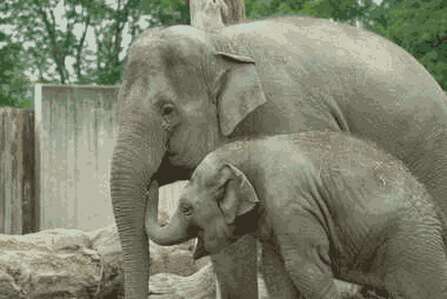 Someone resized the image to 346 pixels and compressed the image at 40% jpeg quality.
 Someone added a bit of contrast, resized the image to 506 pixels and compressed the image at 56% jpeg quality.
 Then they added a bit of contrast, resized the image to 571 pixels and compressed the image at 52% jpeg quality.
 Someone reduced to a 33 color gif.
 Then someone reduced to a 24 color gif.
 Someone resized the image to 317 pixels and compressed the image at 30% jpeg quality.
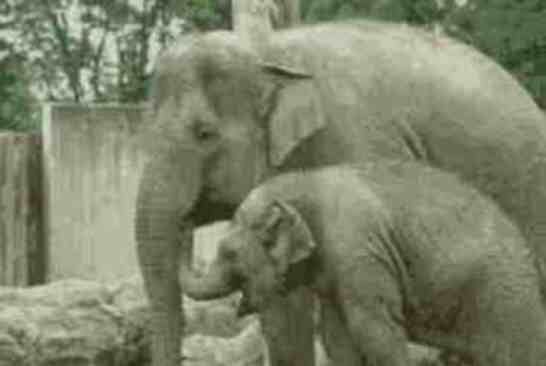 After that, they resized the image to 415 pixels and compressed the image at 18% jpeg quality.
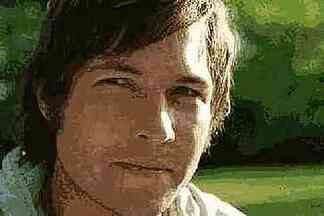 After that, they added a bit of contrast, resized the image to 547 pixels and compressed the image at 16% jpeg quality.
 Someone else resized the image to 456 pixels, compressed the image at 34% jpeg quality and someone else resized the image to 384 pixels and compressed the image at 26% jpeg quality.
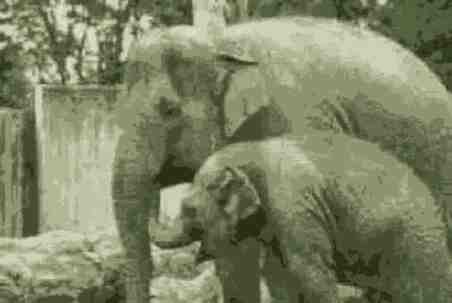 Then someone resized the image to 516 pixels, compressed the image at 26% jpeg quality and then someone resized the image to 428 pixels and compressed the image at 25% jpeg quality.
 Then they resized the image to 301 pixels, compressed the image at 17% jpeg quality and someone else resized the image to 347 pixels and compressed the image at 19% jpeg quality.
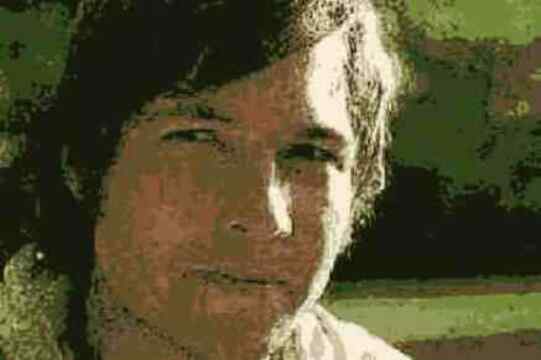 Someone added a bit of contrast, resized the image to 418 pixels and compressed the image at 28% jpeg quality and then someone reduced to a 37 color gif.
 Someone else reduced to a 15 color gif and someone else resized the image to 541 pixels and compressed the image at 22% jpeg quality.
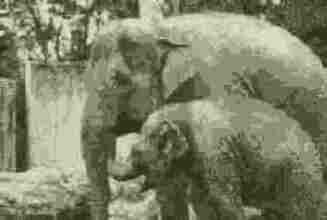 Then they added a bit of contrast, resized the image to 425 pixels, compressed the image at 21% jpeg quality and then someone resized the image to 358 pixels and compressed the image at 14% jpeg quality.
 Then someone reduced to a 18 color gif and someone else resized the image to 505 pixels and compressed the image at 17% jpeg quality.
 After that, they reduced to a 31 color gif and after that and they reduced to a 14 color gif.
 Someone else added a bit of sharpen because it looked blurry, resized the image to 357 pixels, compressed the image at 18% jpeg quality and after that, they resized the image to 536 pixels and compressed the image at 20% jpeg quality.
 Finally someone added a bit of contrast, resized the image to 458 pixels and compressed the image at 8% jpeg quality.
Oh my, that got pretty bad.
Finally someone added a bit of contrast, resized the image to 458 pixels and compressed the image at 8% jpeg quality.
Oh my, that got pretty bad.Website by Joachim Michaelis
|